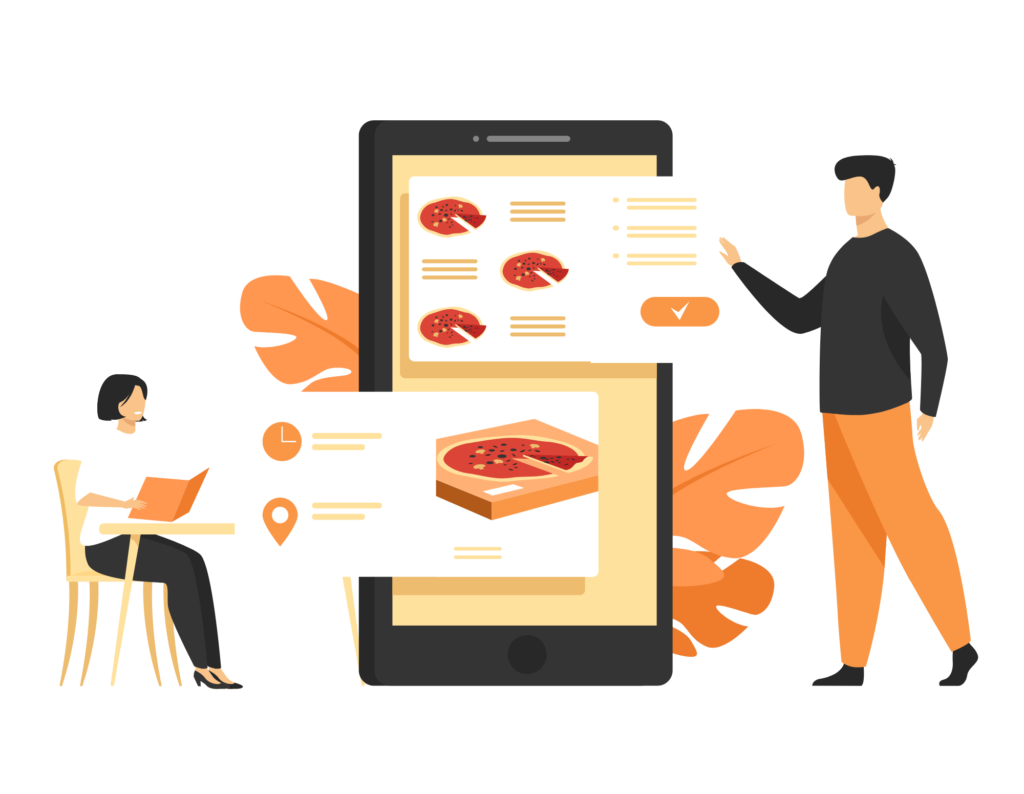
Why should a restaurant have contactless QR code ordering system?

- Contactless system is reliable, smoother, and saves a lot of time
- It enhances order accuracy
- Improved operational process and reduced manual efforts
- Speed up table service of your restaurant
- Reduced labor cost. Serve more customers with less staff.
- This system provides seamless integration with Realweb eMenu POS system in Australia.
- Your restaurant guest can make a payment right from the mobile screen after they place an order from their table or you can also enable contactless cash payment option.
The process of ordering through the Realweb eMenu QR code can be completed in seven simple steps:
- The restaurant creates a digital menu with images of drinks and dishes.
- The restaurant generates a unique QR code for each table from the Realweb eMenu management panel.
- Customers scan the QR code using their smartphone camera, which displays the restaurant’s digital menu on their phone.
- Customers select the items they want to order from the digital menu.
- Customers place their order through the digital menu and pay for their meal using their chosen payment method (e.g., online transaction or cash).
- The food order is sent to the kitchen, and the drink order is sent to the bar. The restaurant prepares the food and drinks according to the order.
- Once the food and drinks are ready, the restaurant serves them to the customer’s table.
Payment Options

The Restaurant manager can choose to provide the customers with multiple payment options.
Cash Payment
- The restaurant manager can enable/disable this feature
- The customer can keep ordering the food and at last pay through cash.
Online payment
- The customer can make the payment through an online card paymentmethod.
- The payment can be done directly after placing the order through qr codeordering.
Pin-based order ( Pay at Counter )
- In pin-based order, the restaurant staff generates a 4 digit pin and assignsit to the customer.
- The pin is generated with a single click and will be printed on the docketthrough a POS printer for each table
- With this, customers don’t have to pay after every single order.
- Customers can keep ordering and all orders will be added to thecustomer’s table in the POS system and they can pay at the end of theorder.
- Now, Restaurant staff can print another 4 digit code for the nextcustomer. (This feature is available on point of sale only)
Payment Options
Printer Integration
Realweb eMenu offers cloud printers that can be effortlessly integrated with online food ordering systems and restaurant point-of-sale systems. These printers are plug-and-play, requiring no configuration for installation.
Printable QR Codes
- For tables, restaurants have the option to generate individual codes for each separate table or create a single QR code for all the tables.
- With the Realweb eMenu system, you can create unlimited QR codes right from the restaurant admin panel in PDF format. Restaurants can print these QR codes, customize them to match with the restaurant’s theme and position them on the tables.
Online payment
- The customer can make the payment through an online card paymentmethod.
- The payment can be done directly after placing the order through qr codeordering.