
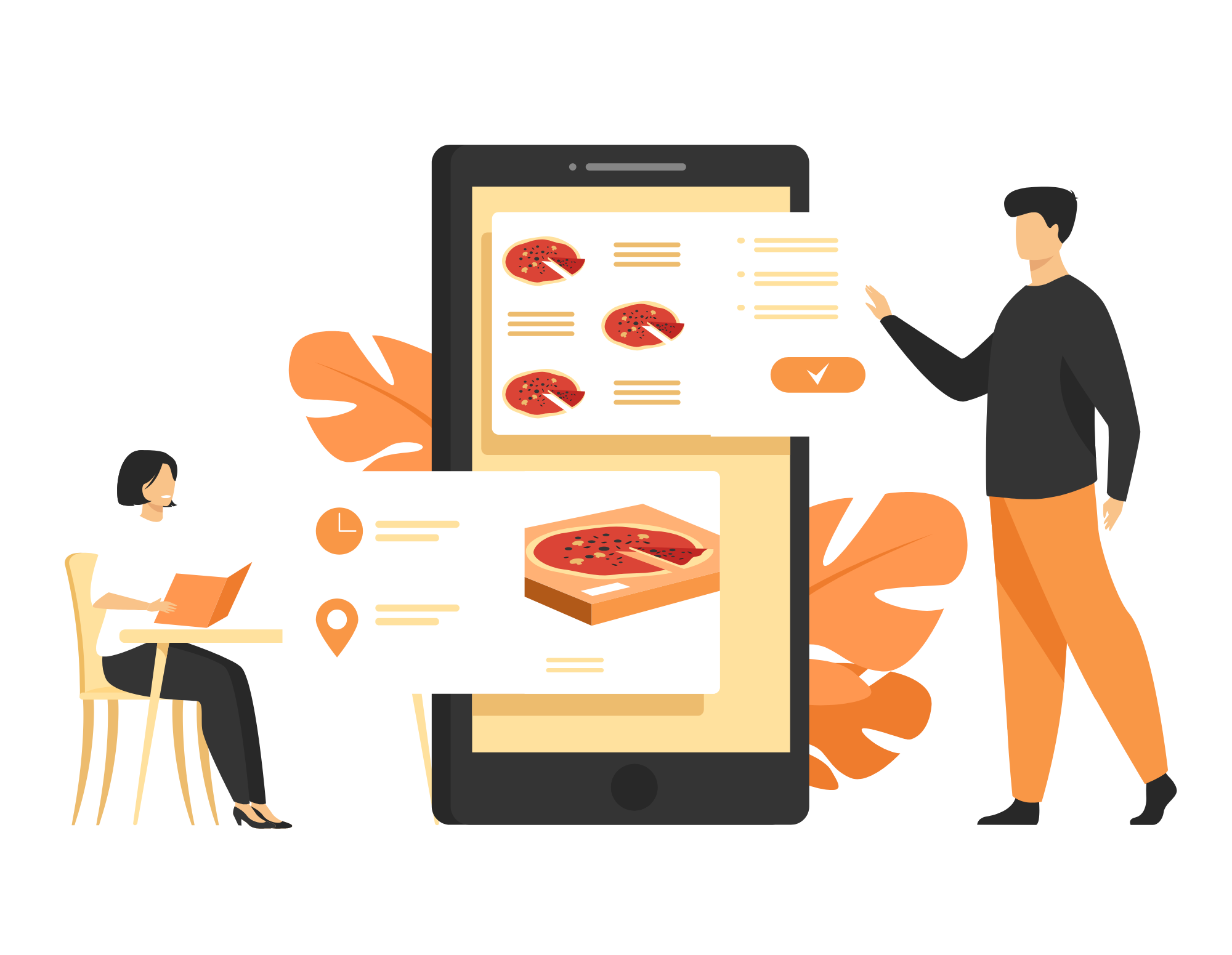







Realweb eMenu order management system empowers your restaurant to have complete control over every aspect of order handling. With Realweb eMenu POS, you can effectively maintain and manage all types of orders like Online Orders, Dine-in Orders, Walk-in/Takeaway Orders, and Telephonic Orders in separate devices/screens, this ensures organization and efficiency in your order management process.
A Realweb eMenu restaurant management system can make it easier to create and manage menus. With a user-friendly interface, the process of creating and managing menus is easy and time-saving. This includes:
The restaurant manager can create menu categories, add menu items, set prices, write descriptions and change images easily. An authorized person can configure the menu with a click of a mouse.
Create and modify menus categories and subcategories, create and add menus, write descriptions, add and change images, add prices, and apply appropriate taxes.
Restaurants can take customize menu items as per customer preferences and dietary restrictions. This includes specifying ingredients, cooking instructions, and serving sizes.
Restaurants can set the availability time for a menu item.
The restaurant can have different prices for the same menu at different times.
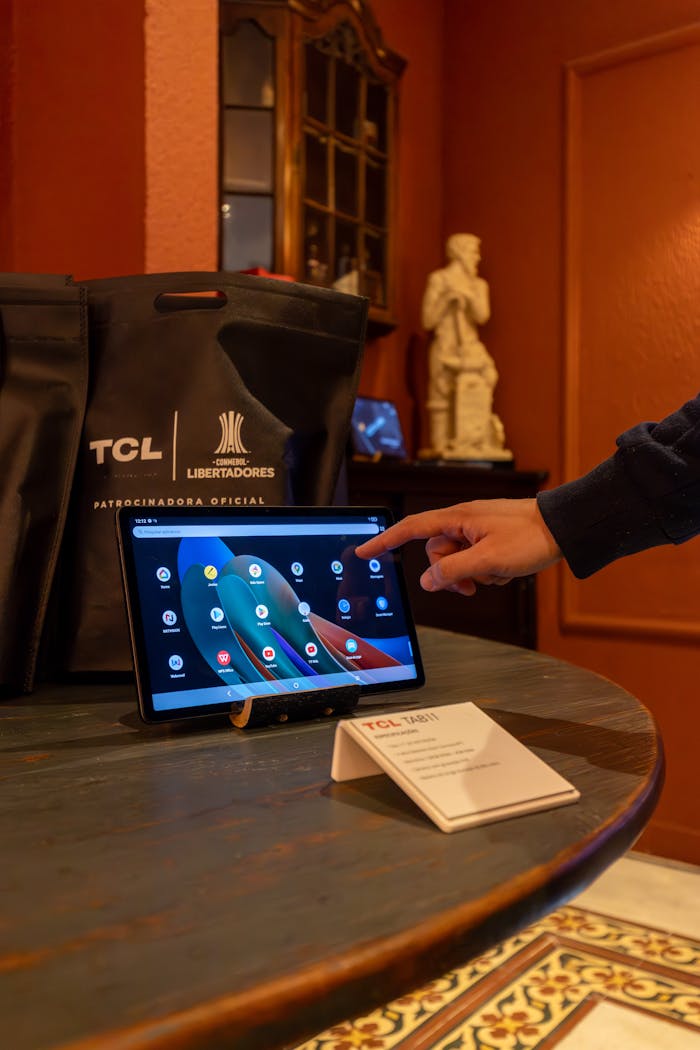
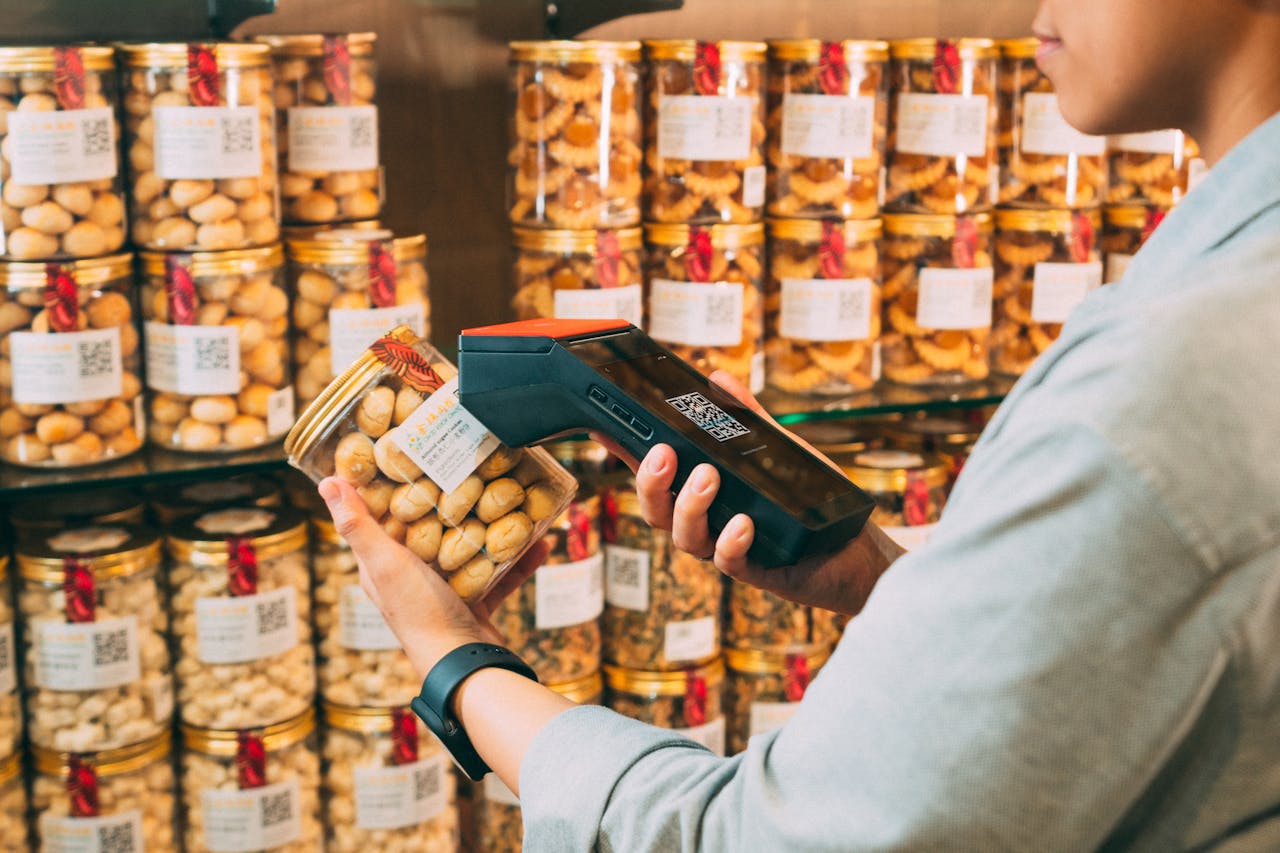
Realweb eMenu’s versatile POS systems support various types of payment methods from digital wallets using devices like Android tablets or Apple iPad or mobile phone to debit/credit card via Eftpos to cater a wide range of businesses, including coffee shops, bars, food trucks, bakery, takeaways, and fast food establishments.. Customers have the flexibility to choose the option that best fits their needs. Realweb eMenu never tracks or control the payments of our restaurant partners. Realweb eMenu’s Restaurant POS system accepts a variety of payment methods, including:
Credit cards and debit cards.
Stripe, Paypal, Eway, Secure pay. Cash Payment
Tyro and SmartPay
The inventory management feature in the Realweb eMenu POS system maintains accurate inventory levels and minimizes waste. The main benefits of Inventory management are to ensure that restaurants never run out of the stock situation.
With a table management feature integrated into the POS system, restaurant staff can easily track and manage the status of tables, and efficiently assign seating to guests. This ensures an organized flow of customers, reducing wait times and enhancing overall customer experience. Salient feature of Table Management are:
Restaurants can create multiple floors and set up multiple tables on each of them. They can also designate different areas within the restaurant, such as indoors, rooftop, and bar areas.
Our POS system tracks the status of tables and displays whether they are available or occupied in the display of POS.
For large groups, servers can combine two or more tables into a single larger table, and this will be reflected in our POS system
When needed, restaurant staff can move customers from one table to another and reassign the order bill to the new table using the Realweb eMenu POS system.
Realweb eMenu POS systems offer robust reporting and analytics tools that allow restaurant owners to track sales trends, monitor inventory levels, and make data-driven decisions to optimize their operations.
Some of the reports created by our reporting tools are:
Realweb eMenu employee management feature allows restaurant manager to manage their employees efficiently as Realweb eMenu provide the facility of having restaurant data in one place. The advantage of employee management and scheduling is restaurant managers can manage staffing levels based on expected customer traffic. Thus restaurant managers can ensure that they are properly staffed for busy periods. This feature includes:
Realweb eMenu offers all the top-rated features desired by restaurant owners. The online order integration feature connects POS software with the Realweb eMenu online ordering system, allowing POS operators to experience the convenience of centralized order management and handle both online and offline orders in one place. Thus, online ordering integration eliminates the need for manual entry, saving time and reducing errors. As a result, your staff has more time to work on productive task, enabling them to prepare orders in a timely manner and enhance the customer satisfaction. This not only adds ease to your business but also saves money. You can use a common printer and POS device for both online and POS orders, and have consolidated accounts and reports in one place only.
Realweb eMenu point of sale system allows restaurant staff to access the system from any device, that includes POS devices, handheld devices like tablets/mobile, and laptops/desktops.
The importance of this feature is to provide flexibility and convenience to staff members to take orders from anywhere in the restaurant, thus improving customer service.
Experience the best feature of Realweb eMenu’s POS software for restaurants. Our cloud-based application enables easy access to the admin panel from anywhere using any device like Android tablets or Apple iPad or mobile phone, empowering owners or managers to manage menus, perform analytics, control employee access, view reports, and monitor real-time data. Our cloud-based admin help you to make informed business decisions, even when you’re not physically present at the restaurant.
Realweb eMenu’s POS system is compatible with various printer types, including Cloud, Network, USB, and Bluetooth printers. This compatibility allows you to choose the printer type that best suits your restaurant’s needs and infrastructure.
Share a Single Printer on Multiple Device:
Realweb eMenu’s POS system allows you to connect a single printer to multiple device. This means that you can set up multiple points of sale or qr code ordering system in your restaurant and have them all connected to the same printer. This feature simplifies your printing setup, and reduces hardware costs.
Zonal Printers for Different Areas:
Realweb eMenu’s POS system supports the use of zonal printers. With a zonal printer setup, you can divide printing tasks based on specific areas of your restaurant, such as the kitchen or bar. Each zone can have its designated printer, ensuring that orders are efficiently directed to the appropriate location.
Using the Same Printer for Food ordering system order and Point of Sale orders:
Realweb eMenu’s POS system enables you to use the same printer for both online order and POS transactions. This means that you can receive and print orders from your online ordering system directly to the POS printer. By consolidating printing tasks, you can save space, and reduce costs.
Experience the importance of Realweb eMenu’s best-in-class, roles and permission feature for restaurants. With our system, restaurateur can assign different access levels and controls to staff members based on their job and responsibilities. For eg: managers have the ability to assign shifts, view reports, apply discounts, and update menus. Cashiers can accept orders, process payments, and void transactions, while waiters can check their own shift timing. This feature ensures that sensitive information and operations are limited to authorized personnel, reducing the risk of security breaches. Employees have the necessary tools and functions to effectively carry out their job duties in your restaurant.
Bill split is an important feature of Realweb eMenu’s POS system to enhance customer satisfaction and
provide an organized restaurant checkout process. Bill splits can be conveniently executed in various
ways,
Realweb eMenu POS system known for its reasonable pricing and wide range of features. One of the crucial features of our POS is multi-screen setup that allows restaurant staff to view and manage multiple orders simultaneously on different device like Android tablets or Apple iPad or mobile phone, which help to save time and improve efficiency. This feature is especially important for restaurants that offer dine-in and delivery/takeout services. During peak hours, all type of orders are processed by different staff members on their respective screens, thus multiple screens system help restaurants to manage their orders more effectively.

The main benefit of the happy hour feature is to help yourrestaurant to offer reasonable discounts on certain menu items atcertain times of the day when it's not too busy. With customizabletime slots and discounts, you can attract more customers duringspecific hours and boost your sales. This enhances the customeiexperience and drives profitability with Realweb eMenu's Happy Hours feature.

Enhance customer satisfaction and foster loyalty with ourpowerful Customer Relationship Management (CRM) featureintegrated into the Realweb eMenu restaurant POS system. The mainpurpose of our CRM feature is to help restaurants to storecustomer information, like names and email addresses, al in oneplace.This makes it easy for the staff to offer targetedpromotions to maximize customer retention in the future.